Where View Talents is
Blizzard's 8 October notes add View Talents to the target frame's context menu, directly below Inspect. The same build updated the Inspect window itself, so screenshots from earlier beta builds may not match what you see now.
- Target the player whose build you want to see.
- Right-click their portrait on the target frame to open the context menu.
- Choose View Talents, the entry just below Inspect.
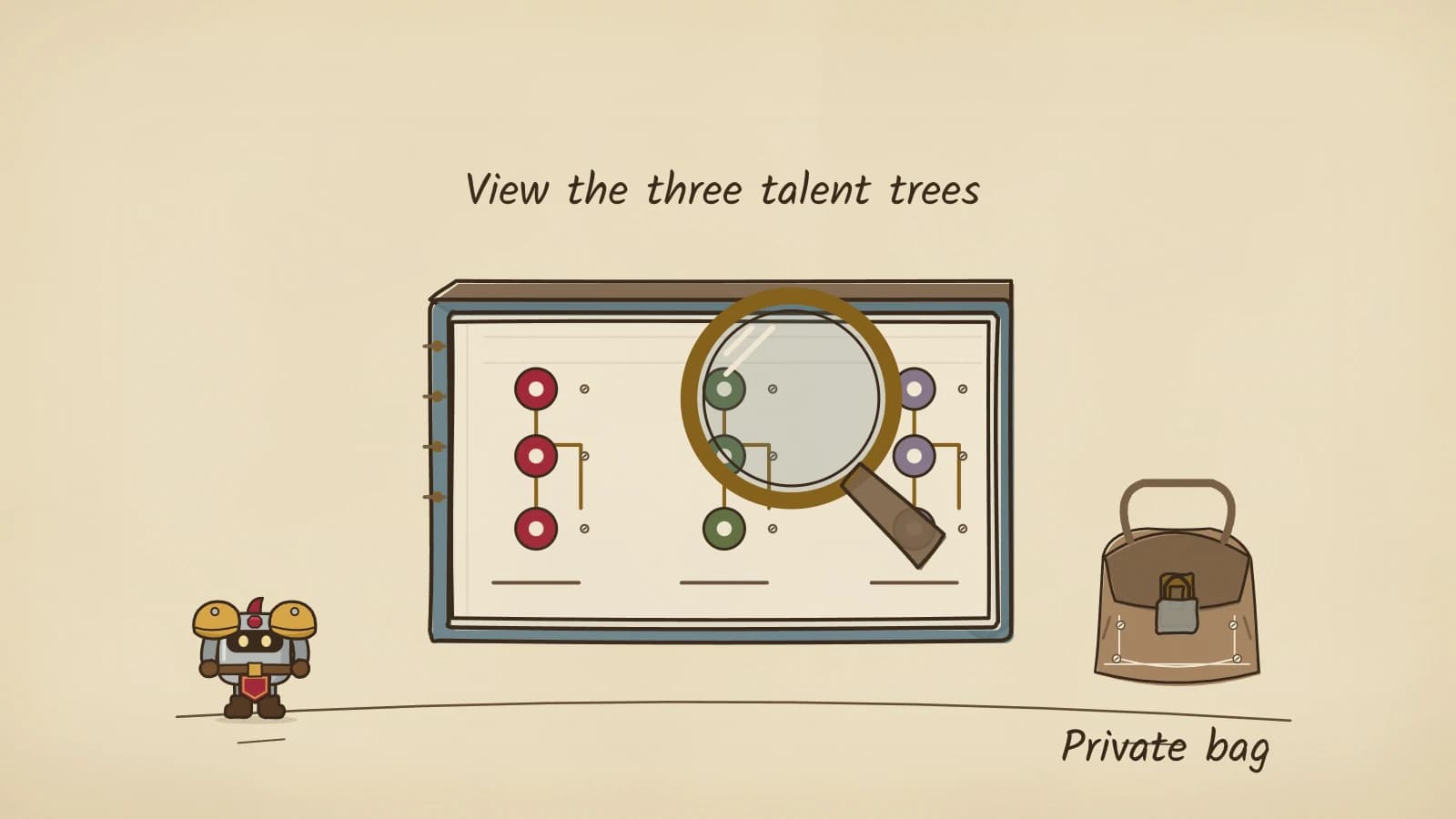
Reading a build quickly
Start with the milestone talents. Blizzard's Priest and Warrior deep dive keeps the familiar one-point milestones at 11, 21 and 31 points and adds a new one at 16. Which milestones someone holds tells you the tree they committed to and roughly how deep, before you read a single rank.
Treat what you see as a snapshot. Dual Specialization opens at level 40, so a player may carry a second build, and talents are only changed at a class trainer in a major city, so a build you admire is not something they swap on a whim.
Copying a build by hand
Nothing in the notes mentions a copy, link or import button, so do not count on one. If you want to try a build you saw, write down the milestone picks and the points in each tree, then spend your own points to match the next time you are at your trainer.
Still to come
Not yet settled by our sources or tested in game:
- Whether View Talents shows Legacy Tree choices as well as class talents.
- Whether the target has to be in range, in your party or on your faction.
- Which specialization it displays for a player with Dual Specialization.
Sources
Beta notes are dated because Forever is still changing.
- Blizzard: Beta Development Notes, 8 October 2026User Interface section: View Talents added below Inspect in the target frame's context menu, and the Inspect player window updated.
- Blizzard: Class Deep Dives, Priest and WarriorMilestone talents at 11, 16, 21 and 31 points, Dual Specialization at level 40, and talent changes at a class trainer in a major city.