The leader's setting is the one that counts
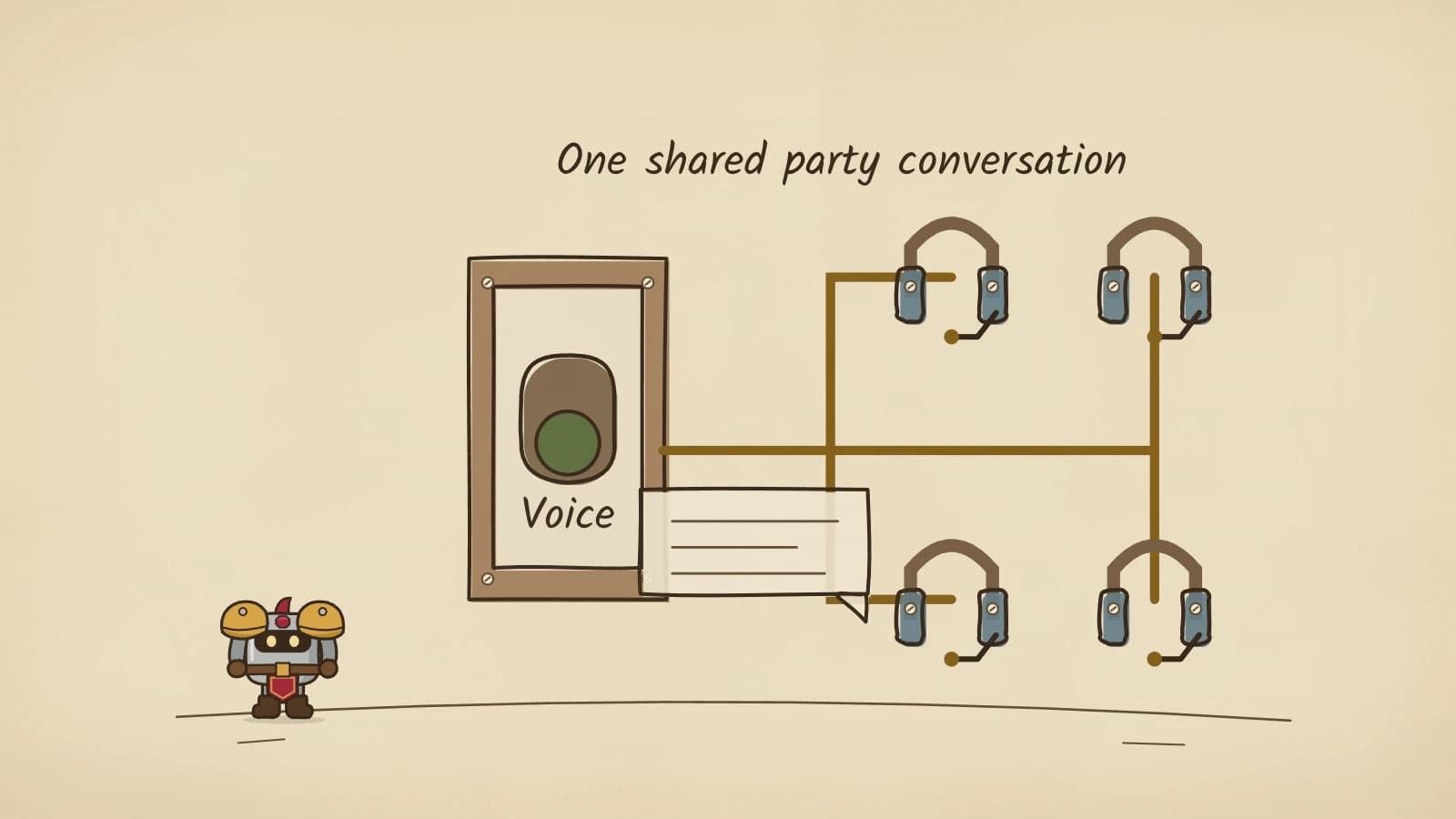
Blizzard's 8 October beta notes add Discord Voice as a choice for Voice Chat, under Audio settings. Once you are in a group, though, it stops being a personal preference: the notes say the party uses whatever the party leader has set.
So the setting that matters is the leader's. If you usually lead, choose your voice option before you invite anyone. If you join someone else's group, the notes give no sign that your own Audio choice overrides theirs.
Adding voice to a Group Finder post
The same build lets you choose an In-Game Voice Mode when you create a Group Finder posting. Players who join through that post receive a prompt to join the voice chat you selected, so voice becomes part of how the group forms rather than something to sort out in chat after the first pull.
Grouping, and so the prompt, stays inside one ruleset and one faction. Blizzard's Deep Dive recap confirms that cross-ruleset groups are not supported and that Horde and Alliance still cannot group together.
- Open Audio settings and choose the voice chat you want your party to use; Discord Voice is now one of the options.
- When you create your Group Finder post, pick the In-Game Voice Mode for the listing.
- As players join, expect each of them to get a prompt to connect.
- Keep pull calls and marks in party chat as well, for anyone who does not connect.
Before your first voiced run
Blizzard has described the feature in two lines, so the screens may not match what you expect. A two-person party with a friend is a cheap way to see the prompt and the connection before you post a five-player dungeon. If the leader changes during a run, check which voice chat the party is in afterwards.
Still to come
Not yet settled by our sources or tested in game:
- Whether Discord Voice needs a linked Discord account or the Discord app running, and which microphone permissions it asks for.
- What happens to the party's voice chat when leadership passes to another player.
- Whether a player can decline the Group Finder prompt and still stay in the group.
- Whether the leader's setting and the posting prompt also apply to raid groups.
Sources
Beta notes are dated because Forever is still changing.
- Blizzard: Beta Development Notes, 8 October 2026User Interface section: Discord Voice under Audio settings, the party leader's setting applying to the whole party, and the In-Game Voice Mode for Group Finder postings that prompts party members to join.
- Blizzard: World of Warcraft: Forever Deep Dive Panel RecapOfficial rules on who can group: no cross-ruleset grouping, and Horde and Alliance remain separate.